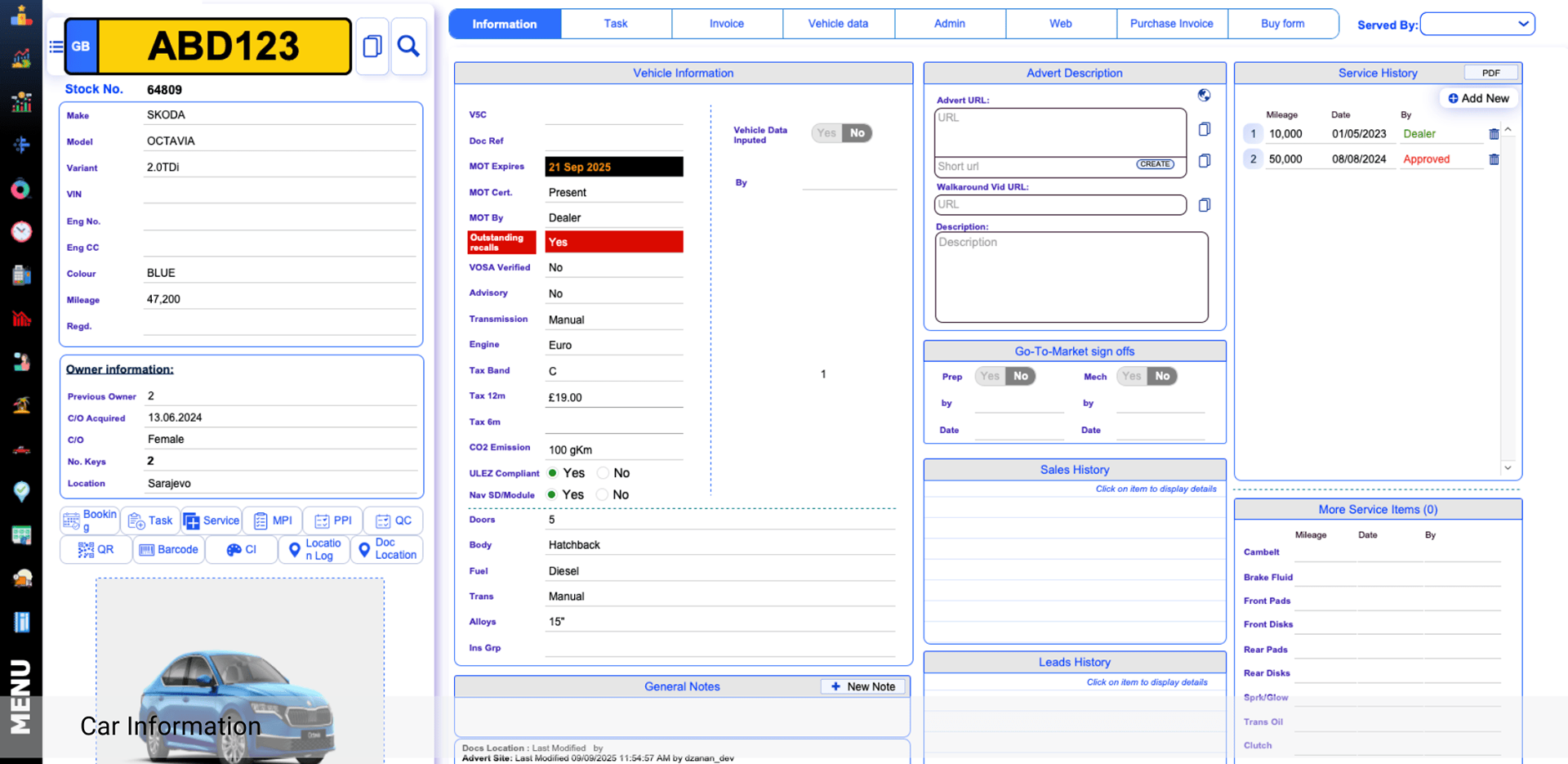
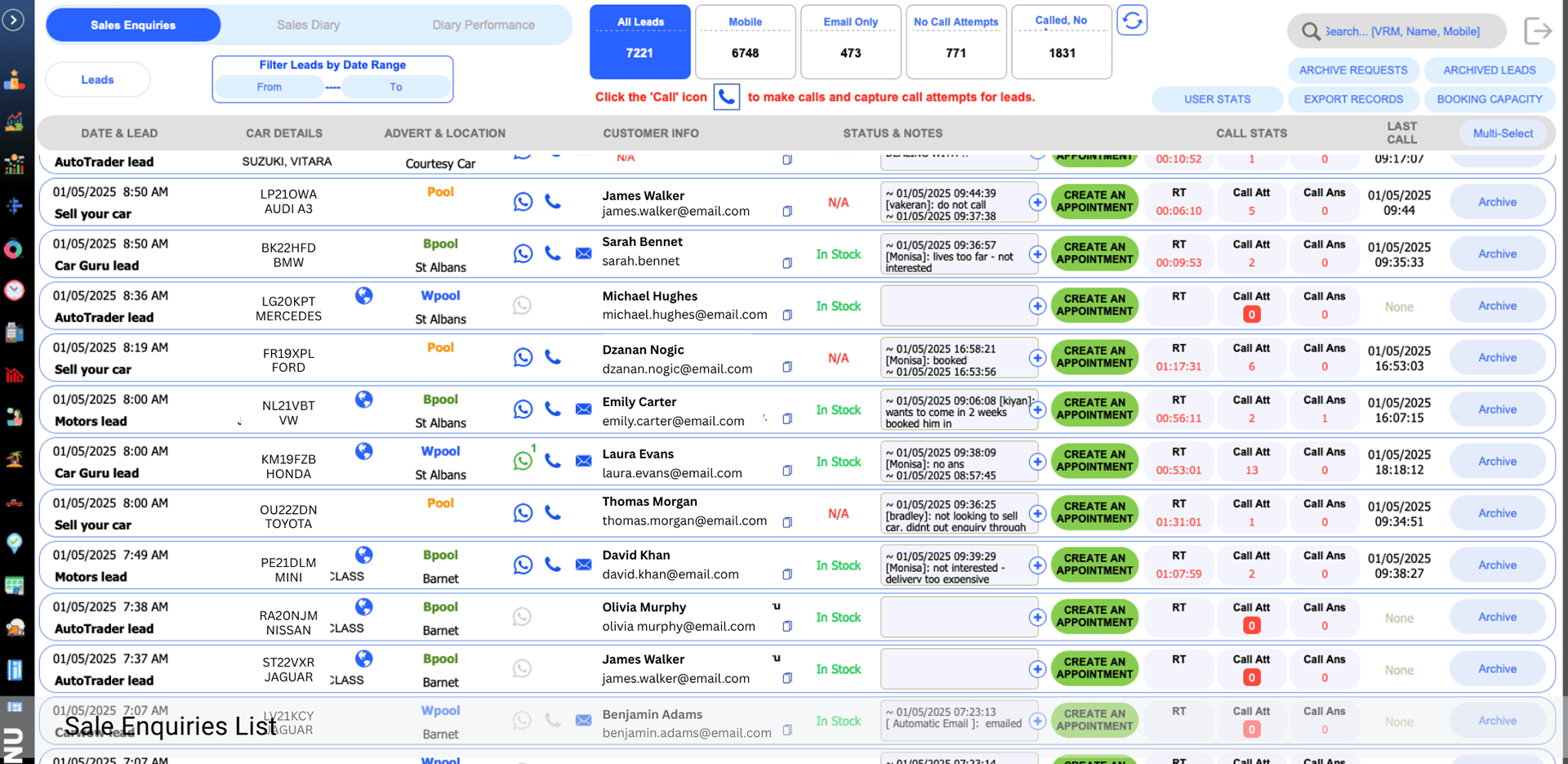
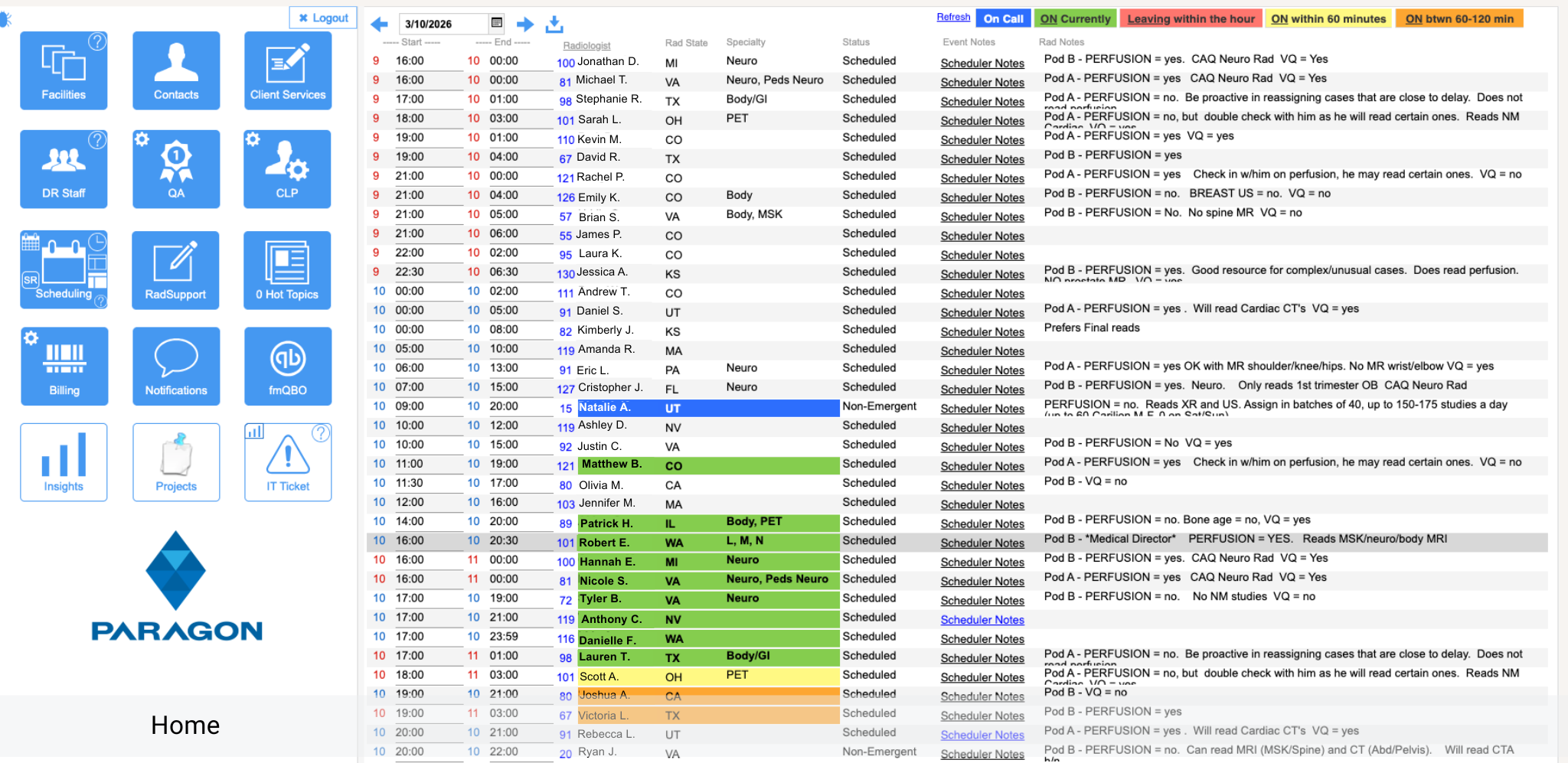
Discover examples of FileMaker projects organized by category, and see how clean database structure, smart relationships, scripts, and intuitive layouts can help streamline daily operations and improve business efficiency.
This gallery brings together selected examples from different areas of FileMaker development, including database structure, relationships, scripts, naming standards, and interface design.
Together, these examples show how we build complete, organized, and scalable FileMaker solutions for real business workflows.
These examples demonstrate how different parts of a FileMaker solution work together to create organized, reliable, and efficient business systems.
Each project is developed with clear structure, consistent standards, strong performance, and long-term scalability in mind.
Consistent naming conventions are applied across tables, fields, layouts, scripts, variables, objects, and custom functions to keep every project clear and well organized.
Standardized names make FileMaker solutions easier for developers to understand, maintain, troubleshoot, and expand.
Each project follows a structured naming system that improves collaboration and ensures consistency throughout the entire solution.
Explore how FileMaker solutions are structured behind the scenes. These examples highlight well-organized tables, fields, and data models designed to keep systems scalable, reliable, and easy to maintain.
Special attention is given to consistent naming conventions across tables, fields, files, scripts, layouts making each solution easier to understand, maintain, and expand over time.
These project examples demonstrate how well-planned FileMaker database architecture supports different business needs while keeping each solution organized, reliable, and easy to expand.
FileMaker relationships are carefully structured to connect tables logically and ensure accurate data flow throughout each project.
Relationship graphs are organized into clear functional areas, making complex solutions easier to understand, manage, and troubleshoot.
Each relationship model is designed with performance, scalability, and future project growth in mind.
FileMaker scripts are structured to handle complex workflows, automate repetitive tasks, process data, and connect different parts of the solution efficiently.
Special attention is given to clear script names, logical folder organization, reusable subscripts, meaningful variables, comments, and consistent error handling, making every process easier to understand, test, and maintain.
The scripts are designed with performance, scalability, and long-term maintenance in mind, ensuring they remain reliable as the system grows and business requirements change.
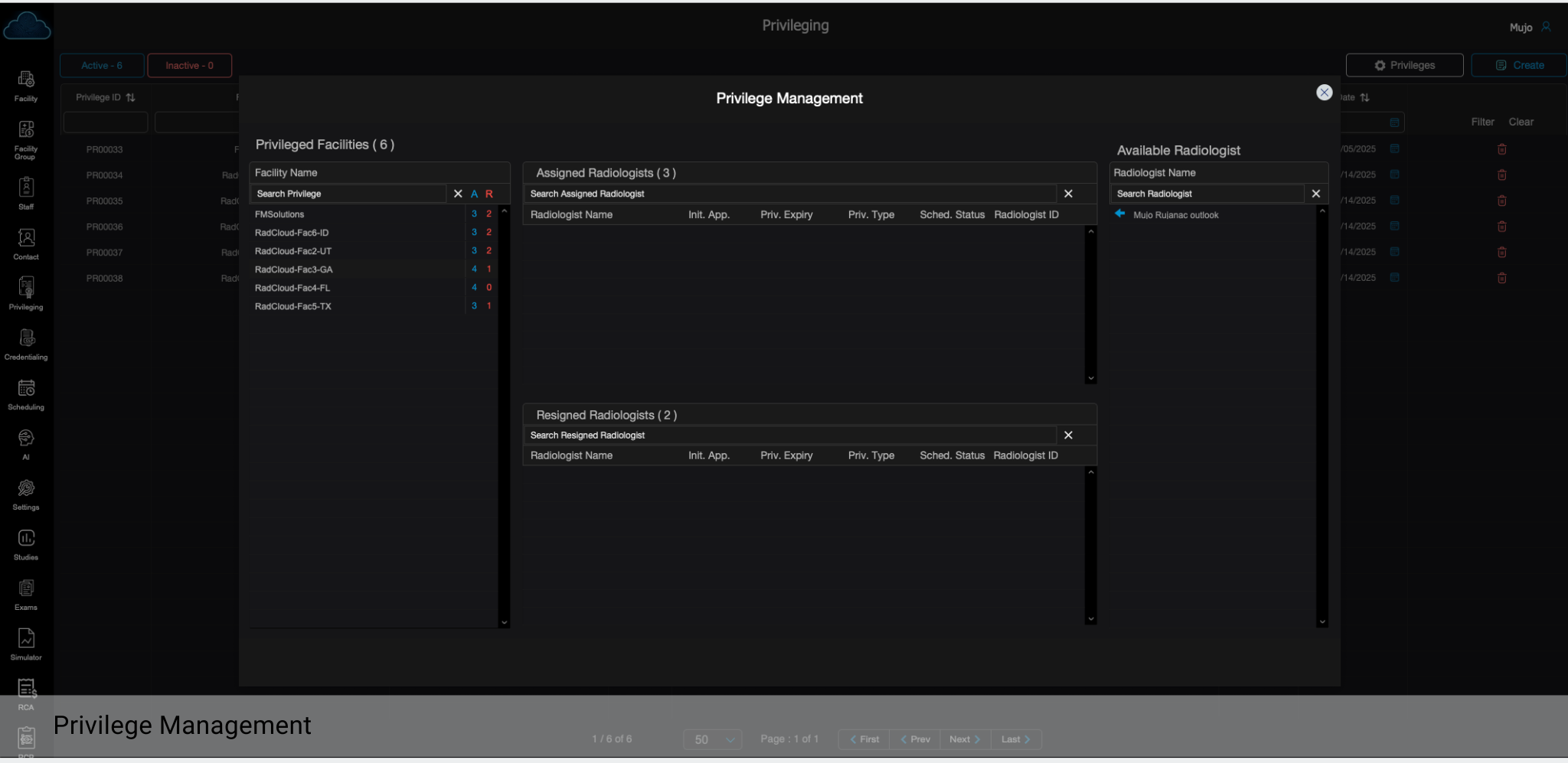
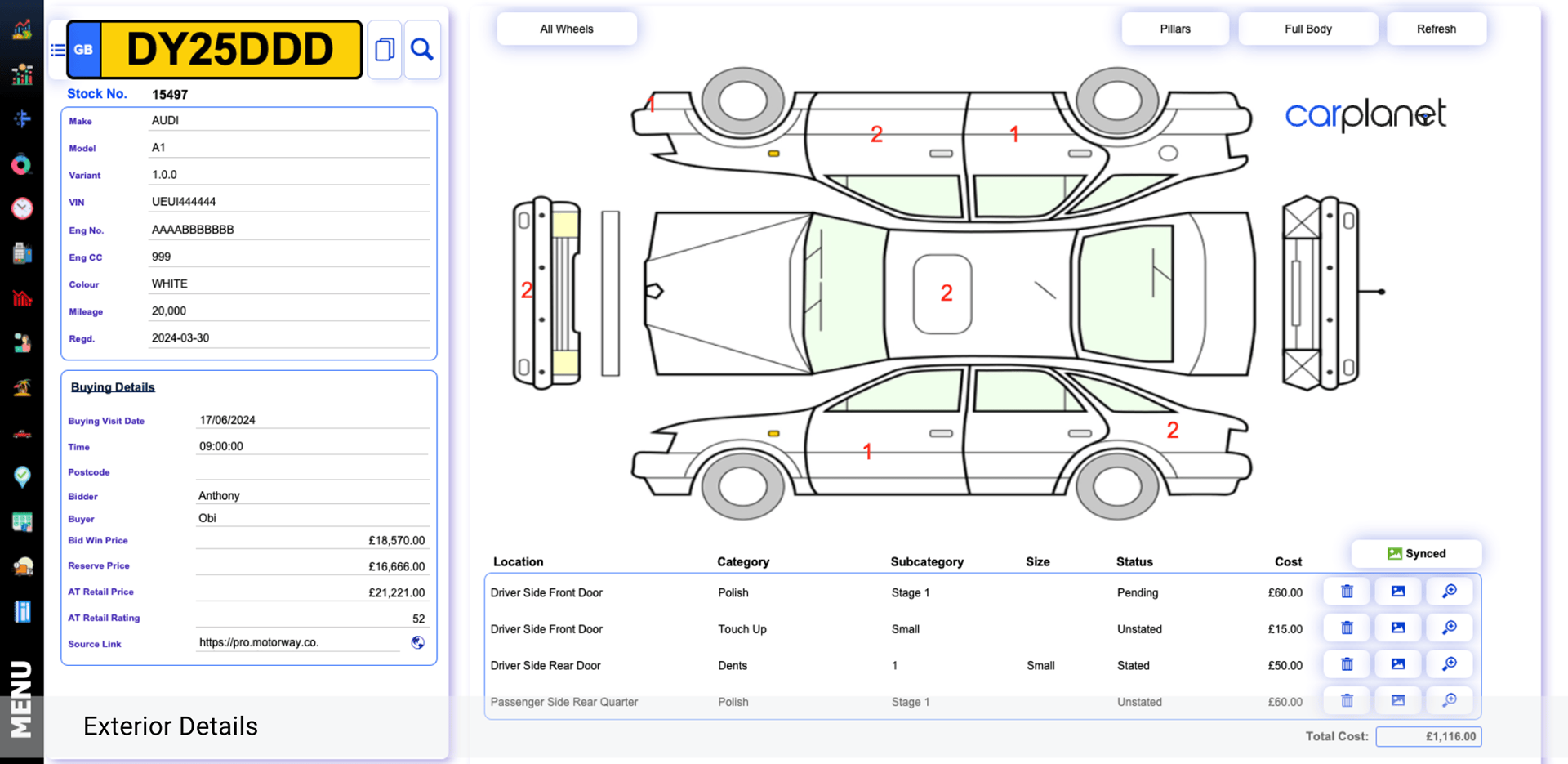
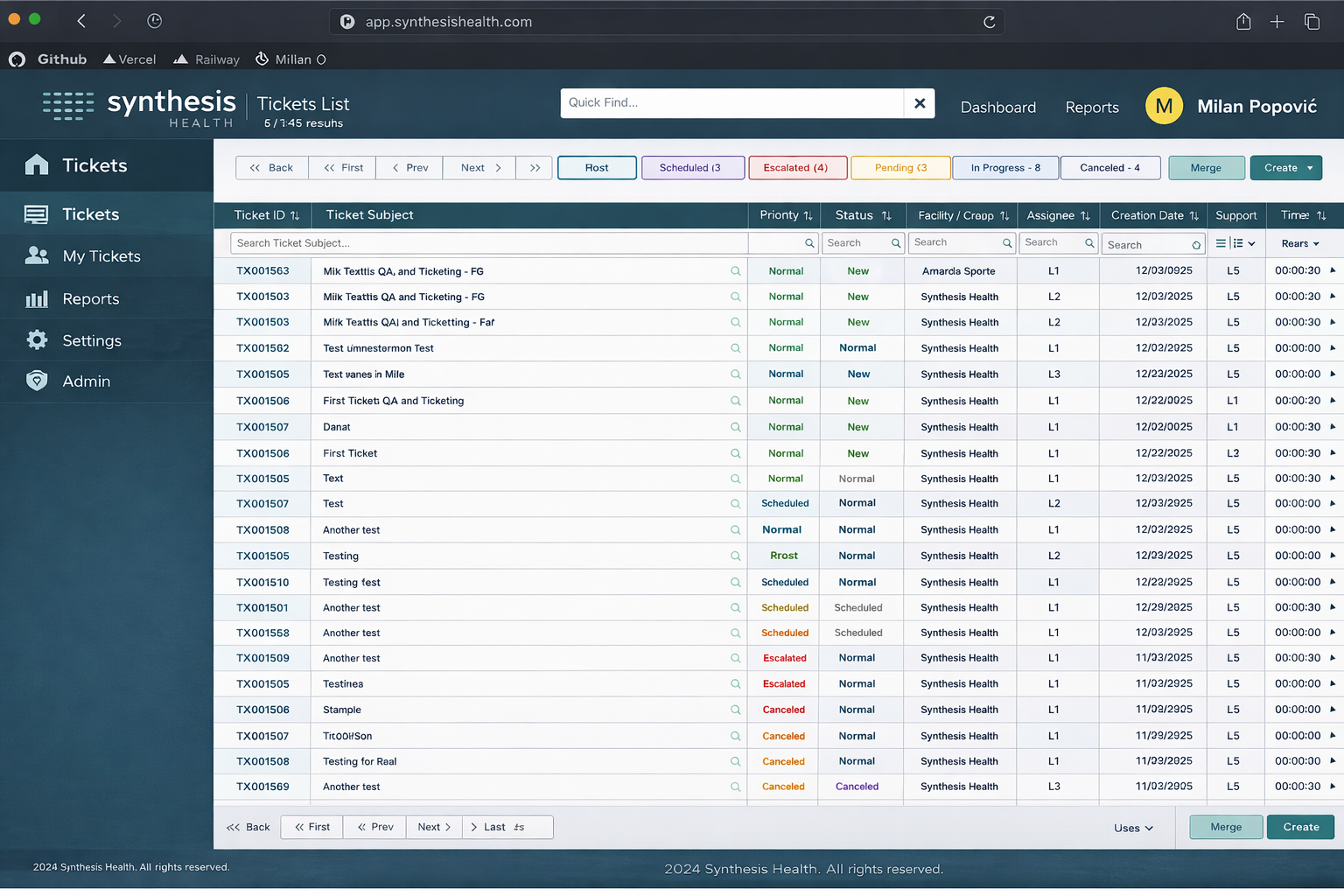
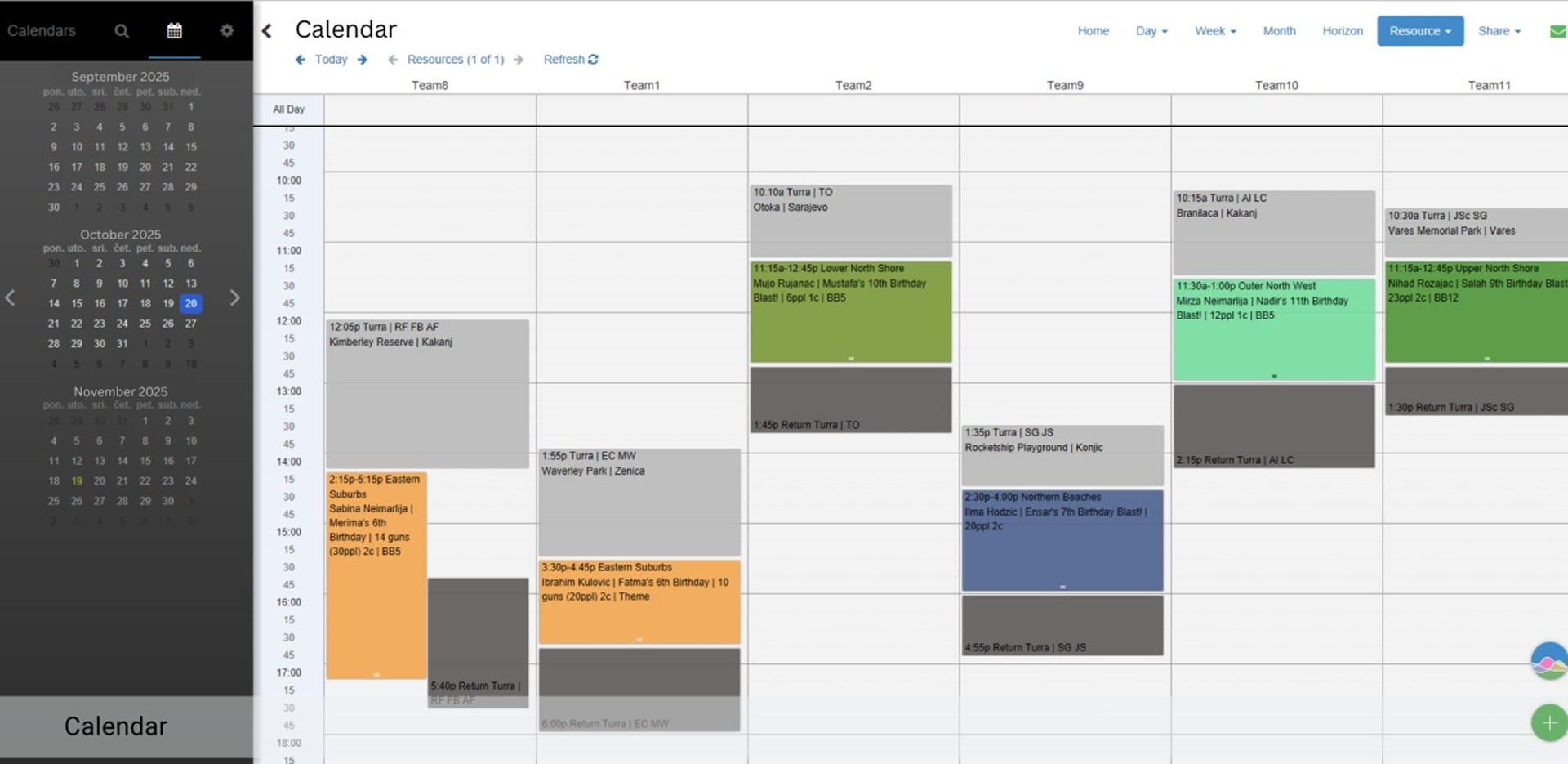
FileMaker layouts are designed to present data in a clear, structured, and user-friendly way, helping users navigate the system efficiently and complete daily tasks with ease.
Special attention is given to layout organization, visual consistency, spacing, alignment, and the placement of key interface elements, ensuring a clean and intuitive user experience across the solution.
Each layout is created with usability, performance, and real business workflows in mind, making the system easier to use, maintain, and expand over time.